Orc Incremental Performance Troubleshooting
A safe performance troubleshooting guide that separates fixed Demo-era categories from current symptoms and gathers reproducible evidence without inventing live bugs.
- Published
- Updated
- Last checked
Not verified yet
Quick facts
- Evidence type
- Historical Demo fixes
- Recorded categories
- Rendering or crash; lag; audio
- Current bug status
- Not established
- Current workaround status
- Not established
Start from the current symptom
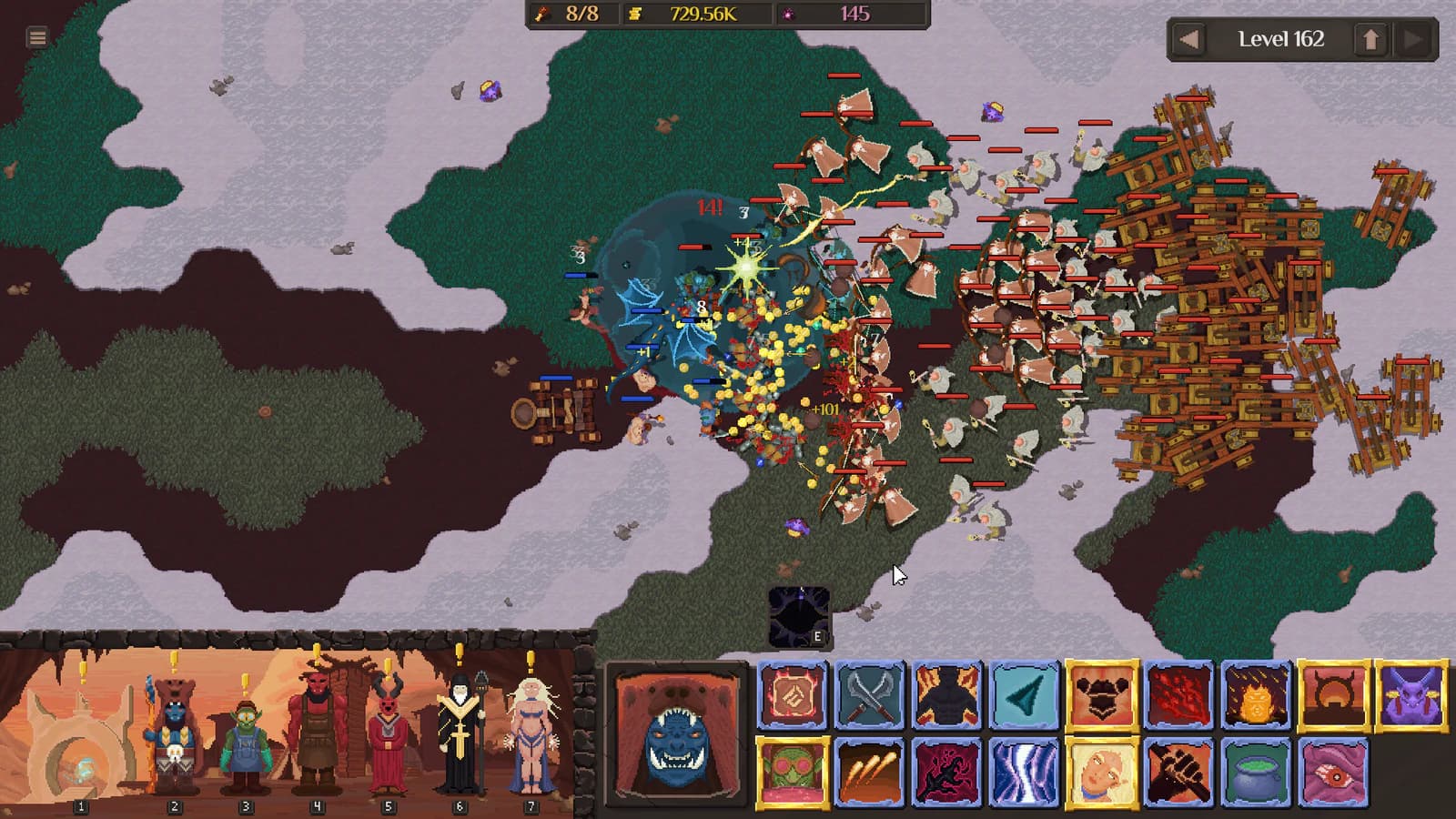
Historical fix categories are context, not a current issue list. The battle image does not show a crash, lag measurement, audio defect, hardware limit, or workaround.
Describe what happens now in neutral terms: the application closes, a frame stops updating, input response is delayed, audio cuts out, or another visible symptom occurs. Do not diagnose a cause from the category alone.
Use known issues to check whether the exact current symptom is documented and controls when the problem may be focus or input rather than performance.
Capture a reproducible report
| Field | Record |
|---|---|
| Build | Exact game version or date |
| Platform | Operating system and relevant device class |
| Symptom | Observable behavior without diagnosis |
| Location | Screen, encounter, or transition |
| Steps | Minimal sequence from launch |
| Frequency | Attempts and occurrences |
| Settings | Only visible relevant settings |
| Expected | What the interface normally does |
| Observed | What happened instead |
Exclude account identifiers and private file contents.
Use reversible checks
Restart the game once, reproduce from the smallest known path, and change one visible setting at a time. Record whether the symptom moves. Return the setting to its prior state if the check does not help.
Avoid deleting local data, installing unofficial files, disabling security protections, or making broad system changes. Preserve the save folder before any official support step that involves files.
Separate symptom categories
A rendering stall, application exit, delayed input, low frame rate, and missing audio are different observations. They may share a cause, but the report should not assume one. Create separate reproduction rows when symptoms occur at different moments.
For audio, record output device, whether other screens produce sound, and the exact transition. For lag, state whether the issue is frame pacing, delayed input, or network-like appearance without assuming networking exists.
Compare against historical notes correctly
An old fix can suggest a field to inspect, but it does not prove regression. Require the same observable symptom under a current build before drawing a connection. Cite the historical row as history and the current reproduction separately.
The strongest report is small, repeatable, safe, and explicit about what remains unknown.
Match a known issue exactly
Compare build, platform, symptom, location, and reproduction steps before deciding that a current report matches an existing issue. Similar words such as “lag” can describe different visible problems. Record the matching fields and the fields that differ.
If a current official workaround exists, preserve its source date and follow only its stated scope. A historical fix is not a workaround, and an old category is not proof that the same defect returned. When no exact match exists, submit the new reproduction as a separate observation rather than broadening the old entry.
Official sourceVerification boundary
- Build boundary
- historical Demo patch-note fix categories
- Evidence check
- Still unknown
- current issue list, current causes, current workarounds, performance targets
Frequently asked questions
- What is verified about Performance Troubleshooting?
- Historical Demo patch notes record fixes in rendering or crash, lag, and audio categories. Boundary: historical Demo patch-note fix categories. Checked 2026-08-28. Those fixed historical items are not current live bugs; the checked evidence does not establish a current version 1.0 issue list, cause, workaround, or performance target.
- What makes a useful current performance report?
- Include the build, platform, symptom, reproduction steps, expected and observed behavior, frequency, relevant settings, and a non-destructive check. Keep historical fixed items labeled separately.
Source ledger
- Demo Update v0.09
steam-announcement ·
- Demo Update v0.08
steam-announcement ·