Orc Incremental DPS Meter
A Demo v0.08 DPS Meter reference and current observation template that avoids invented fields, attribution rules, sampling windows, formulas, or accuracy claims.
- Published
- Updated
- Last checked
Not verified yet
Quick facts
- Historical build
- Demo v0.08
- Historical feature
- DPS Meter
- Historical access
- Enabled in settings
- Current fields and accuracy
- Not published
Treat the meter as a historical feature until checked
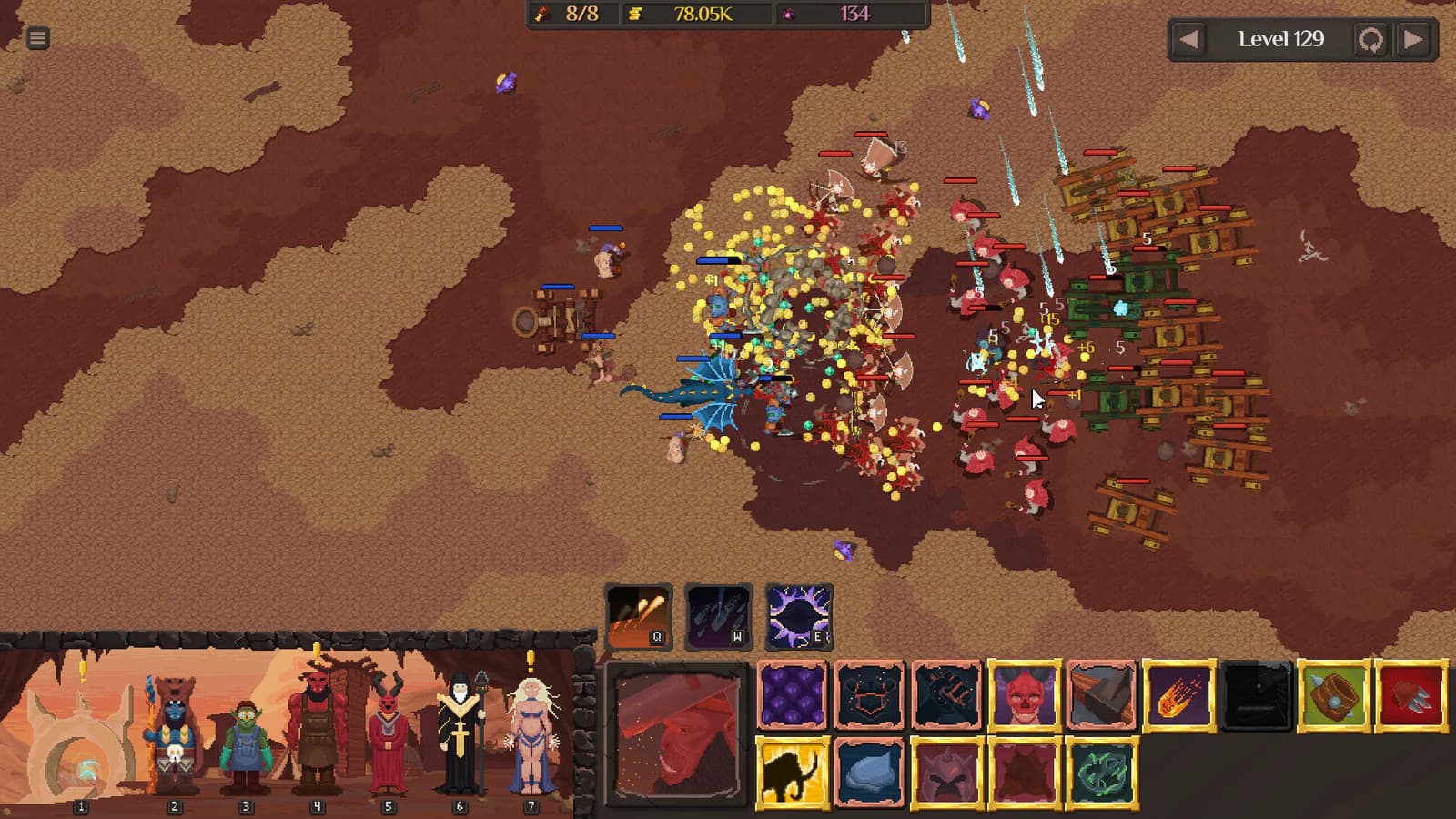
The fact panel establishes only the old addition and access point. The battle image does not display the meter, a calculation, or current settings.
Use controls for a partial input ledger and formations when a displayed result is being compared across positions. Do not use the historical feature mention as proof of a current field.
Capture the current display exactly
If the current build exposes a meter, record the complete settings label and every visible field before interpreting them.
| Field | Record |
|---|---|
| Build | Exact version or dated build |
| Setting | Full label and state |
| Display | Every heading, unit, and value shown |
| Encounter | Level, wave, and modifiers |
| Army | Units, formation, and relevant upgrades |
| Interval | Visible start and stop events |
| Changed variable | One intended test change |
| Result | Displayed values without inferred math |
If the interface does not reveal a sampling period or attribution rule, leave it unknown.
Compare like with like
Choose a stable encounter and a clear interval. Record a baseline, change one position or purchase, and repeat. Keep action order and survival differences beside the display because they can change what was measured.
Do not compare runs of different length as though they used the same window. Do not add displayed unit values and claim the total must follow a hidden equation.
Separate display from ground truth
A meter reports what its implementation displays. Without official methodology, it cannot by itself prove exact underlying damage, attribution, critical handling, summons, overkill, or delayed effects. Describe discrepancies instead of selecting a preferred number.
Video or manual counts can suggest a follow-up test, but they introduce their own timing and visibility limits. Preserve both methods separately.
Start a fresh record after patches
Check the setting name, default state, fields, units, and apparent interval again. Keep old Demo observations labeled rather than using them as a current benchmark.
A useful meter guide teaches reproducible comparison while leaving hidden calculation and accuracy questions open.
Publish the display, not a verdict
Screenshots should include the meter labels, build, encounter context, and enough surrounding interface to interpret the state. Crop a duplicate for readability, but retain the contextual original. Alt text should describe the visible display without claiming what its values calculate.
When summarizing, name the observed direction and setup: a value rose, fell, or remained stable during a defined interval. Avoid “accurate,” “true DPS,” or “best” unless a current official methodology supports that stronger claim. A clear display record can guide another test without pretending to validate the implementation.
Official sourceVerification boundary
- Build boundary
- Demo v0.08
- Evidence check
- Still unknown
- current availability, displayed fields, sampling window, attribution, accuracy
Frequently asked questions
- What is verified about DPS Meter?
- Demo v0.08 added a DPS Meter that could be enabled in settings. Boundary: Demo v0.08. Checked 2026-08-28. The checked source does not publish current version 1.0 availability, displayed fields, sampling window, attribution rules, rounding, or accuracy guarantees.
- How can a current meter observation be compared safely?
- Record the build, visible settings, displayed labels, encounter, army, interval, and all changed variables. Compare like with like and report display observations without claiming unpublished calculation rules.
Source ledger
- Demo Update v0.08
steam-announcement ·